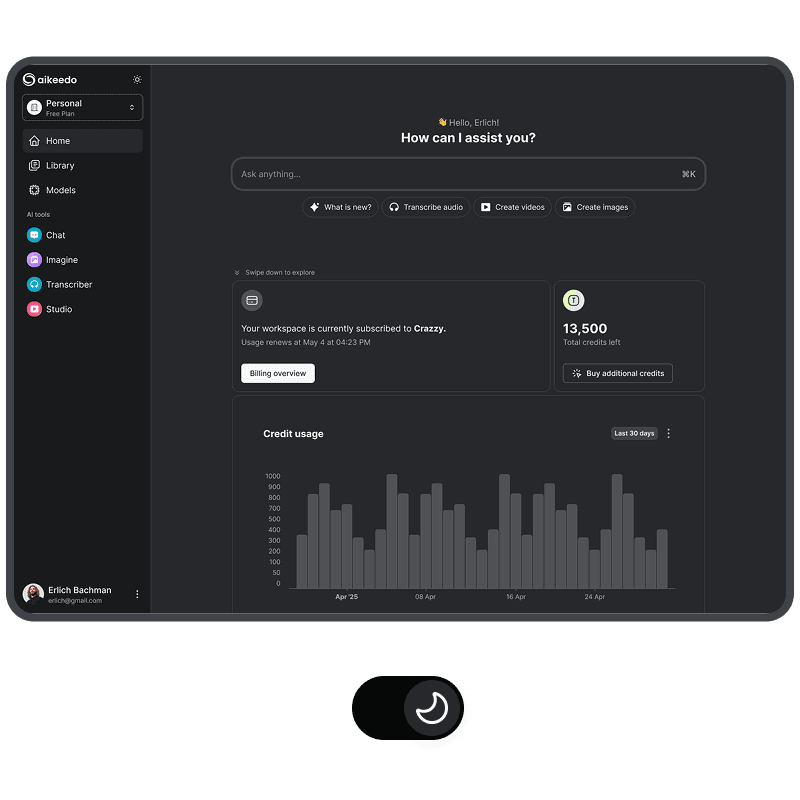


Workspaces & Teams
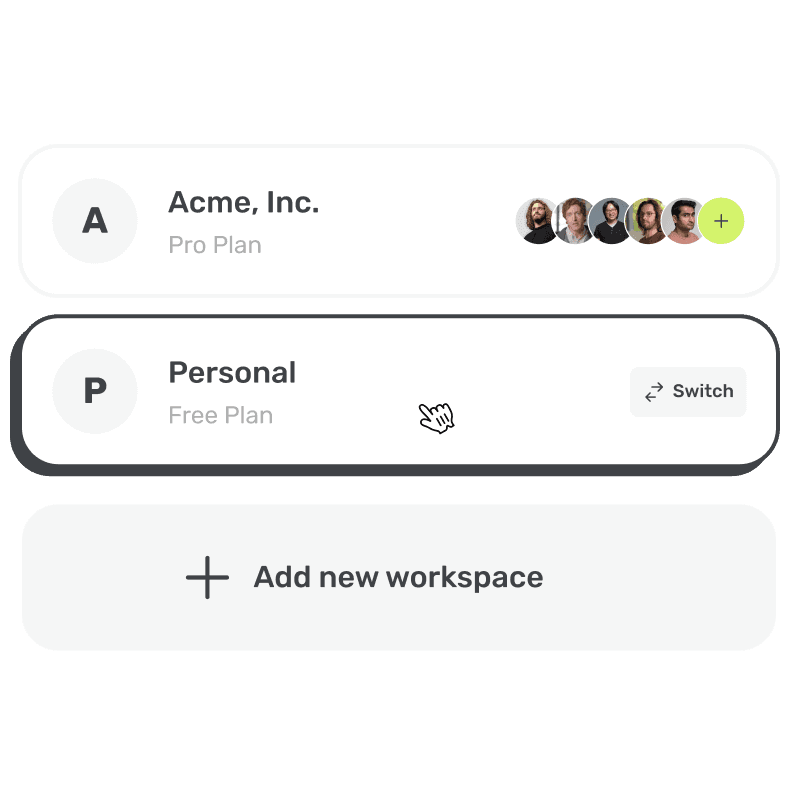
Collaborate smarter, stay in sync. Team up, share files, manage together.

Your AI SaaS business, ready by this week!
Try demoExplore powerful features designed to elevate your workflow and maximize productivity.
Collaborate smarter, stay in sync. Team up, share files, manage together.
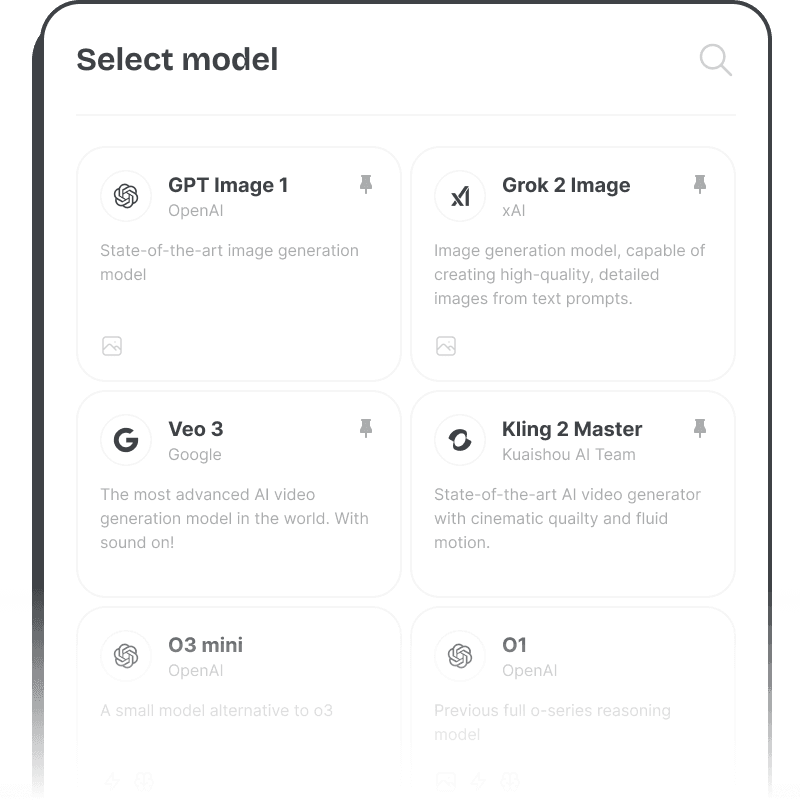
Choose the AI brain you trust. Switch models anytime, match your needs.
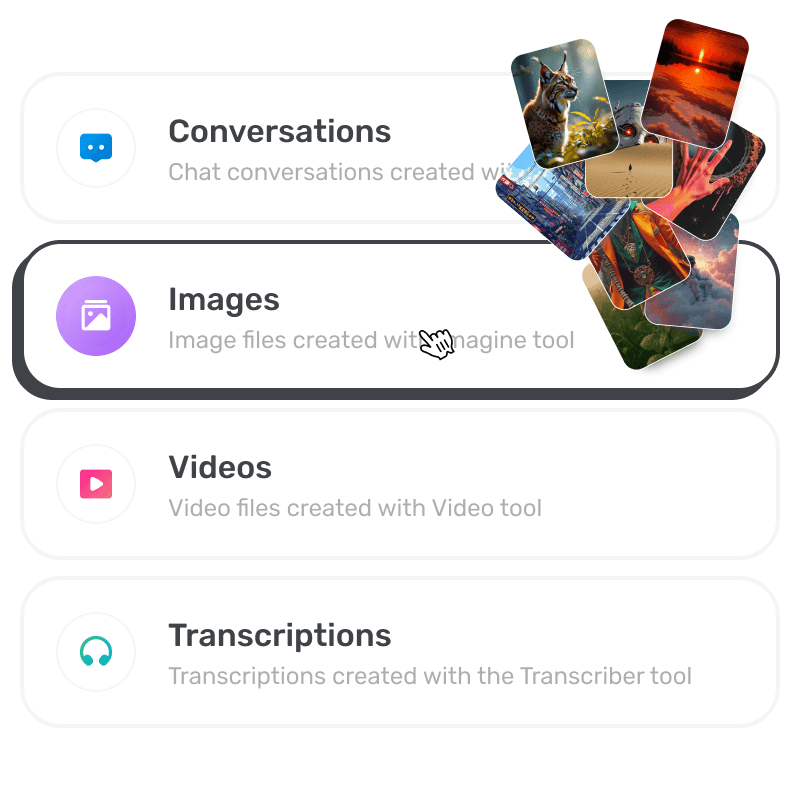
Your content, always well organized. Recent items sit in the sidebar, and every document the AI writes is kept under Artifacts.
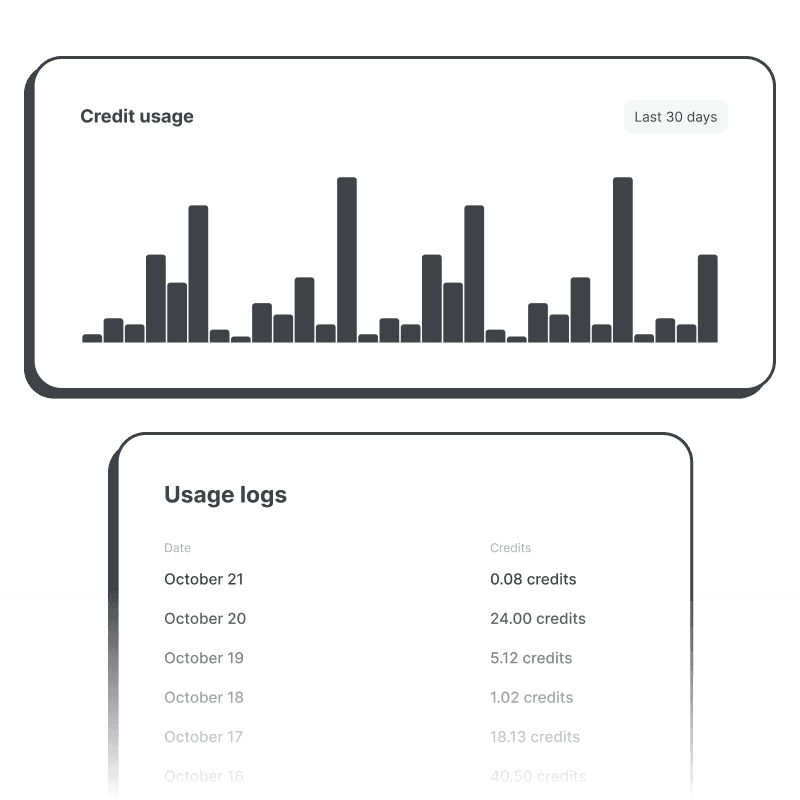
Track what you use, stay in control. See usage stats, manage smarter decisions.
Explore the powerful features of our AI chat tool.
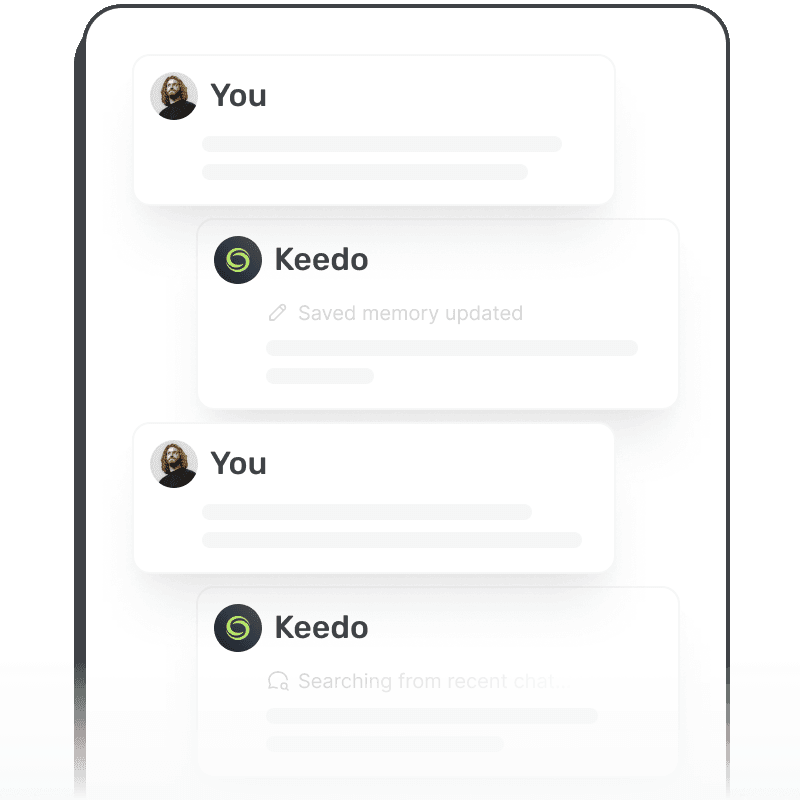
Personalized AI experience that remembers your preferences, conversation history, and context. Users can add their own chat instructions and tell the AI what to call them.
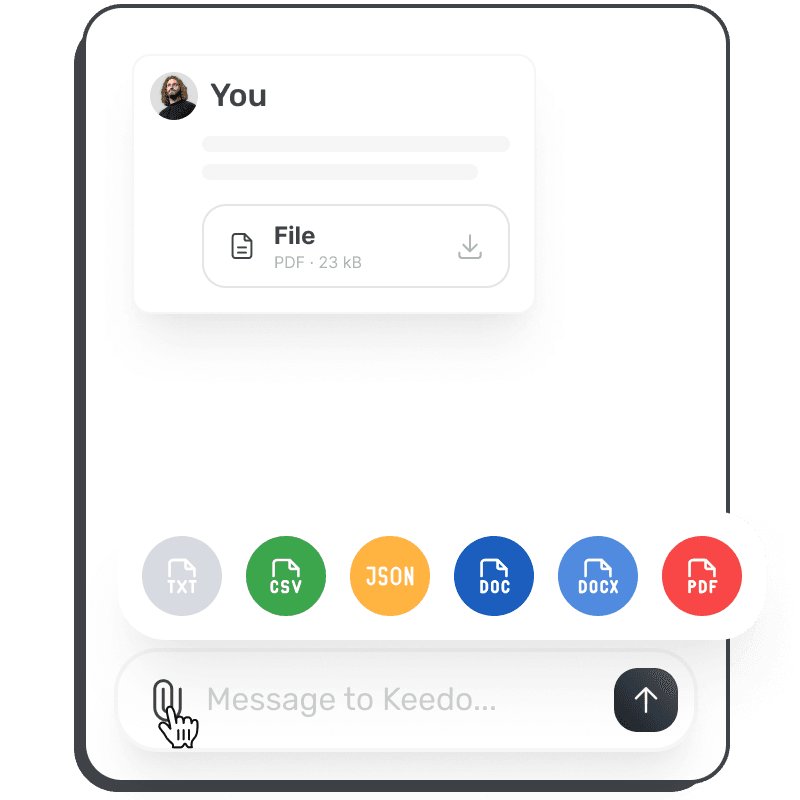
Upload and analyze documents directly in chat conversations. Supports PDF, DOC, DOCX, CSV, JSON, and various text formats for comprehensive document interaction.
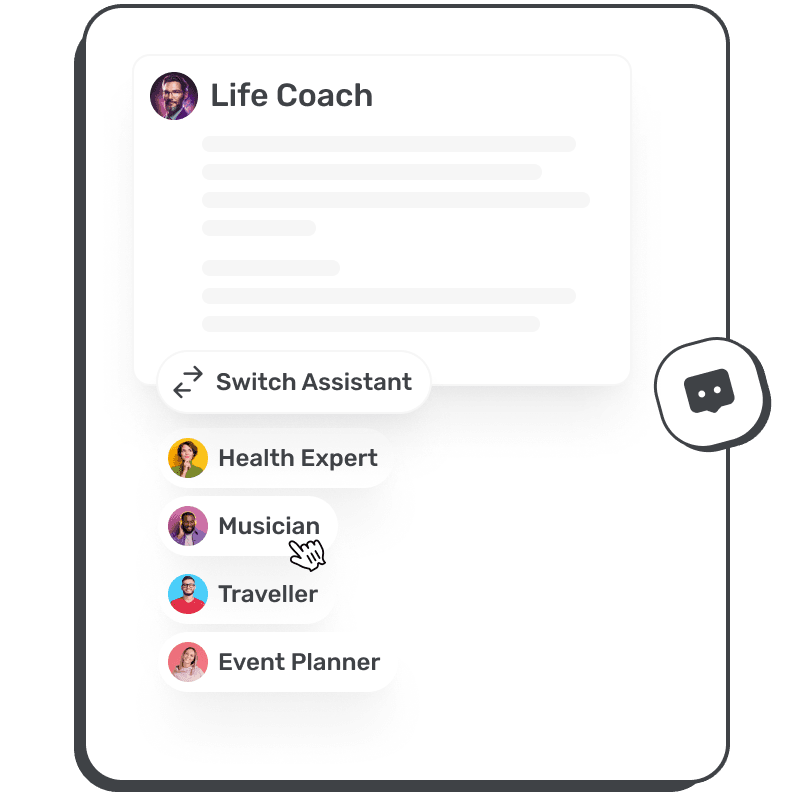
Create and manage personalized AI assistants with unique personalities and expertise. Switch between different AI models within conversations while maintaining context and assistant characteristics.
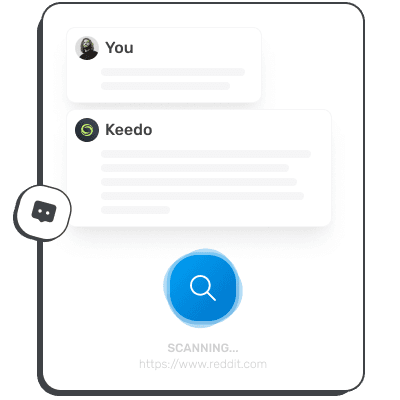
Access current information through intelligent web browsing capabilities. Get accurate, up-to-date answers by seamlessly searching and analyzing real-time data sources.

Extract and analyze content from any website by providing a URL. Ask questions about web pages, articles, or online content for instant insights and summaries.
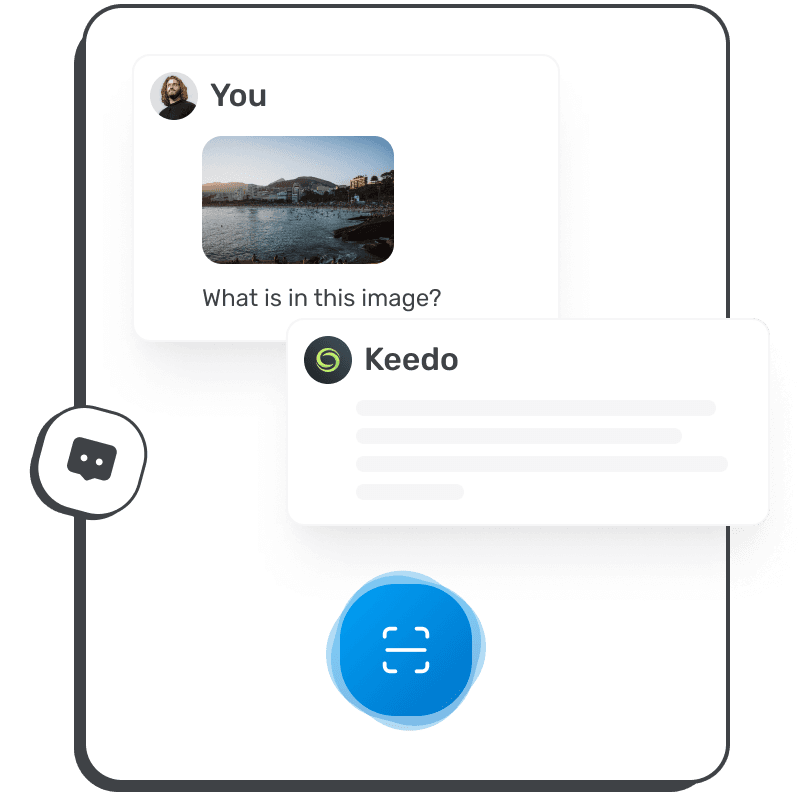
Advanced image understanding and analysis capabilities for multimodal interactions. Upload images and receive detailed descriptions, insights, and answers about visual content.
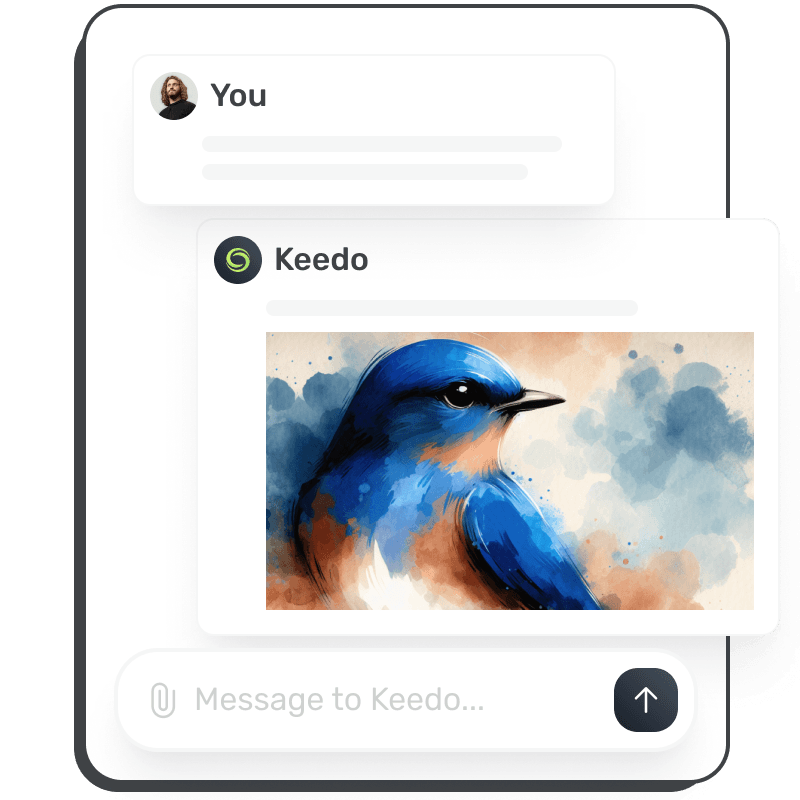
Generate images, videos, voice-overs and transcripts directly within chat conversations. Edit an earlier image by describing the change, preview voices before choosing one, and see results appear inline.
Let the AI work with your users’ own accounts through remote MCP servers. Add one by URL or import from a catalogue of 487 ready-made connectors, sign in with OAuth, and set each tool to always allow, ask or never. Approval cards show exactly what a tool is about to do.
One switch makes everything temporary across the whole app: chats, images, videos, voice-overs and transcripts. It stays on as users move between pages in the same browser, and turning it off returns to normal. Admins set the retention period and control it per plan.
Start a new chat, search, toggle the sidebar or rename and delete items without leaving the keyboard. Shortcuts show where they apply, a cheat sheet opens with Ctrl/⌘ + /, and each one can be switched off.
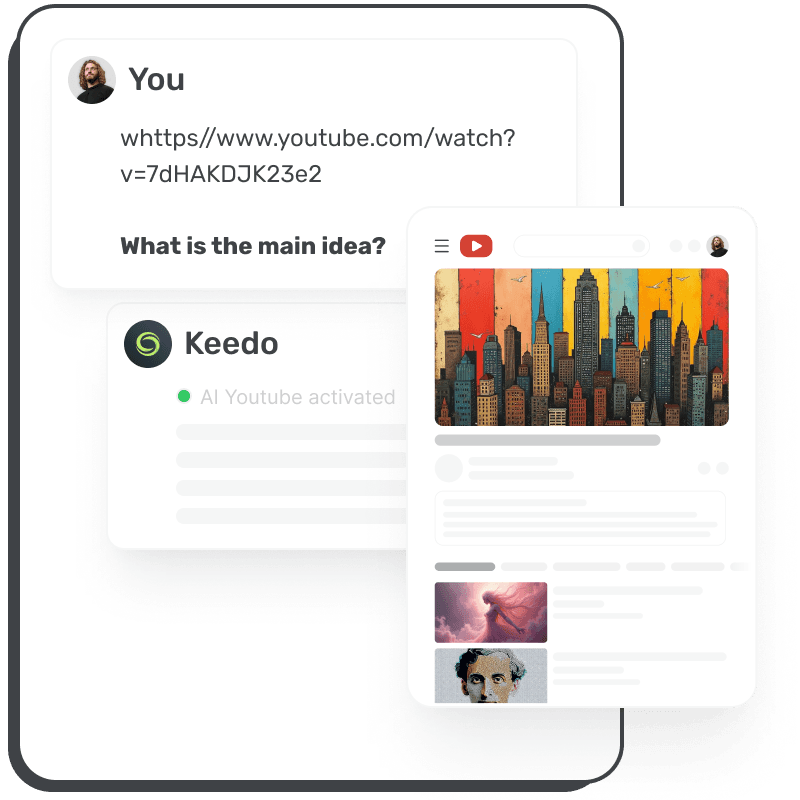
Analyze YouTube videos for comprehensive insights, summaries, and key points. Extract main ideas, create bullet points, or generate pros and cons from video content.
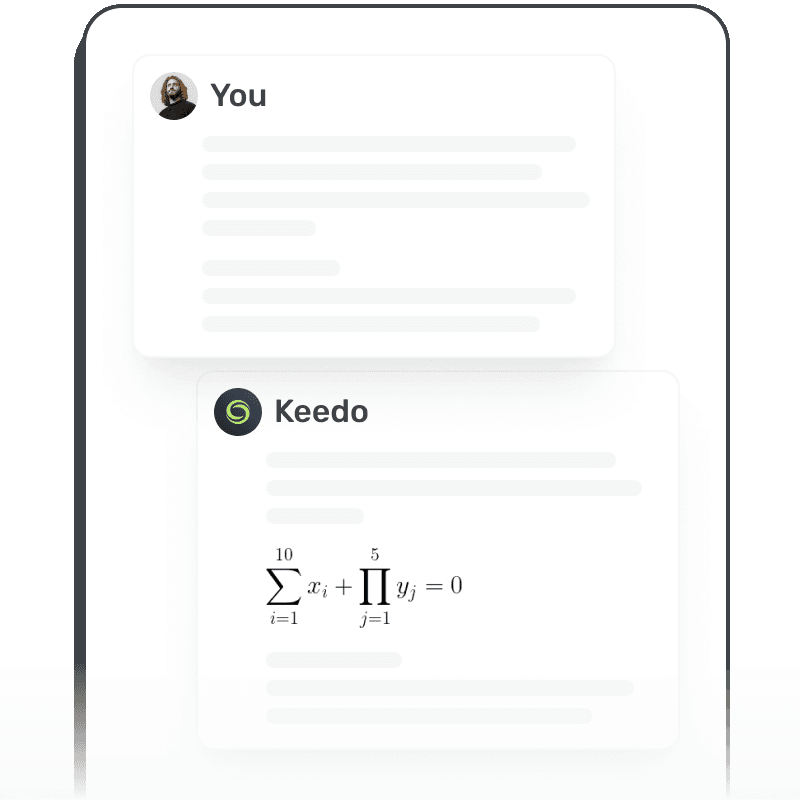
Advanced LaTeX formula recognition and rendering for mathematical expressions. Perfect for academic work, research, and technical documentation with precise mathematical notation.
The Self-Hosted version includes admin dashboard, billing module, and full code access to extend your workspace.
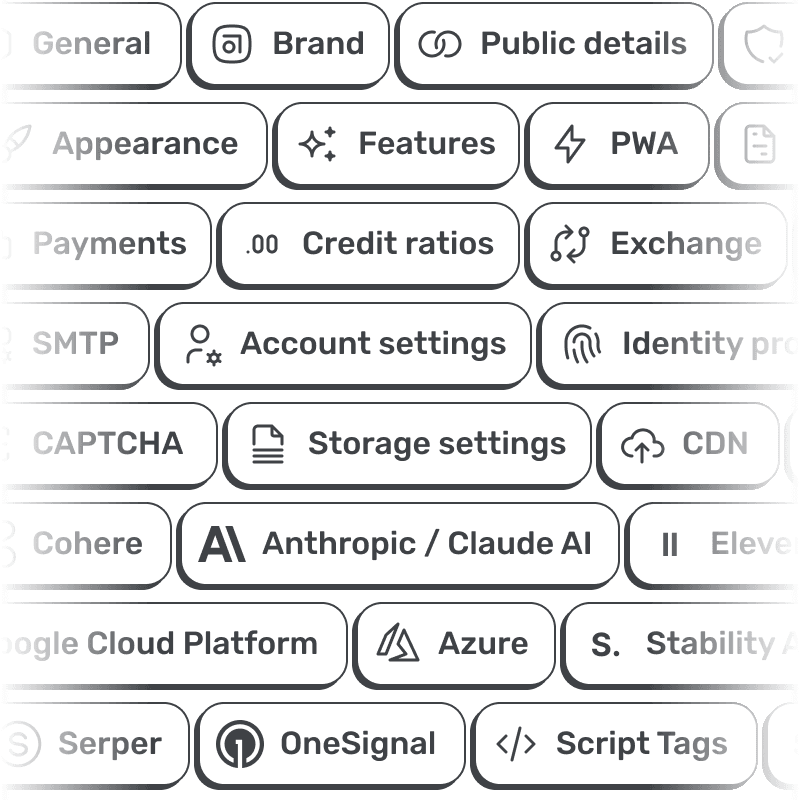
Control with an intuitive interface for streamlined management.
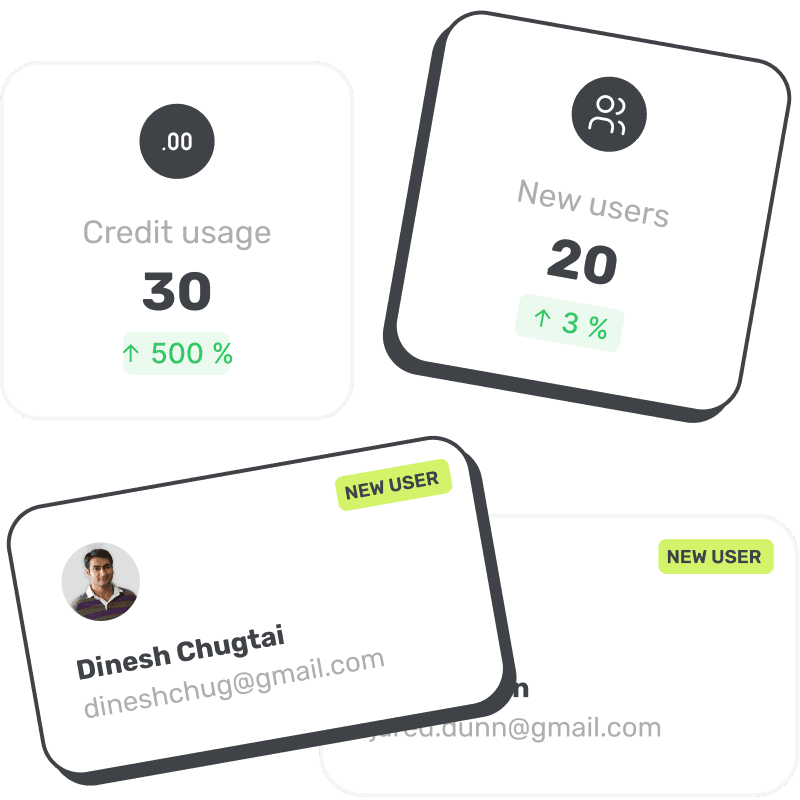
Everything you need for billing automation with flexible configuration.
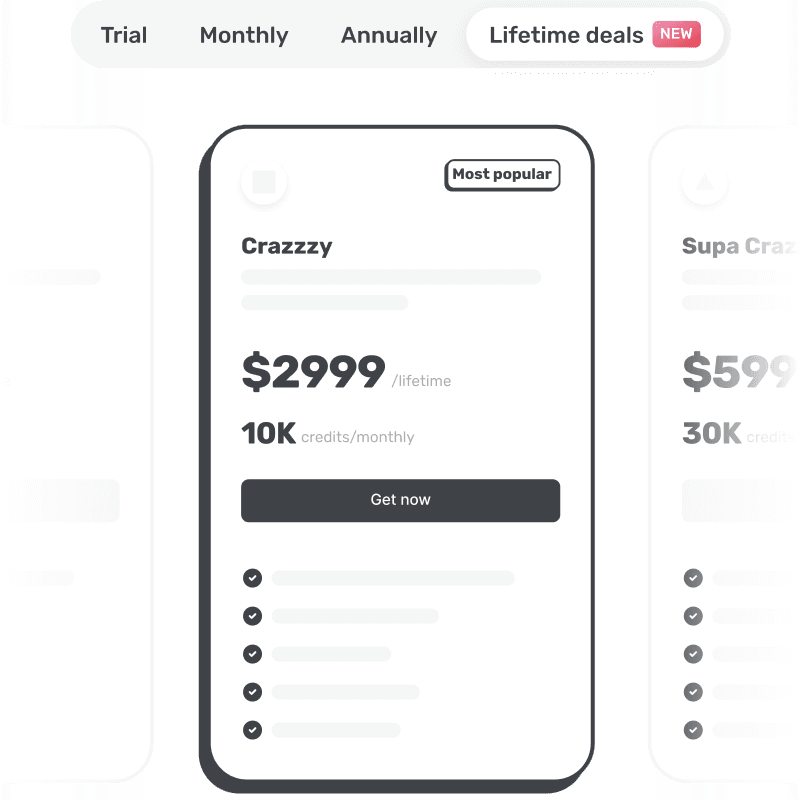
Adapt settings to fit your business needs seamlessly.
Lets users effortlessly switch between workspaces for better organization and collaboration.
Use built-in options or third-party services like Framer to impress and convert visitors.

Secure and organize your website data effortlessly.
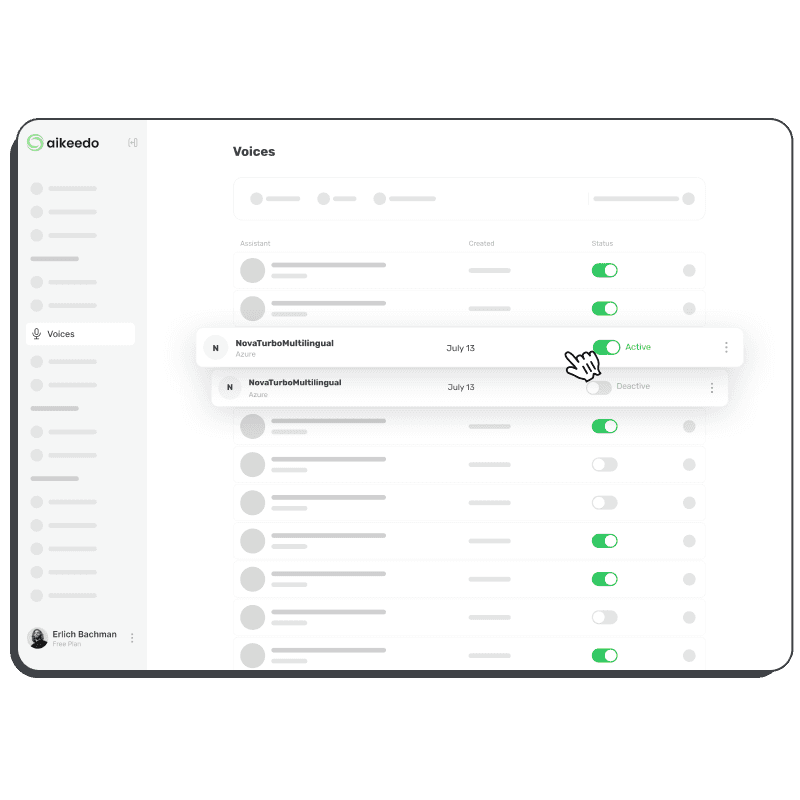
Receive the latest features and security improvements without hassle. Your own translation edits are kept on every update.
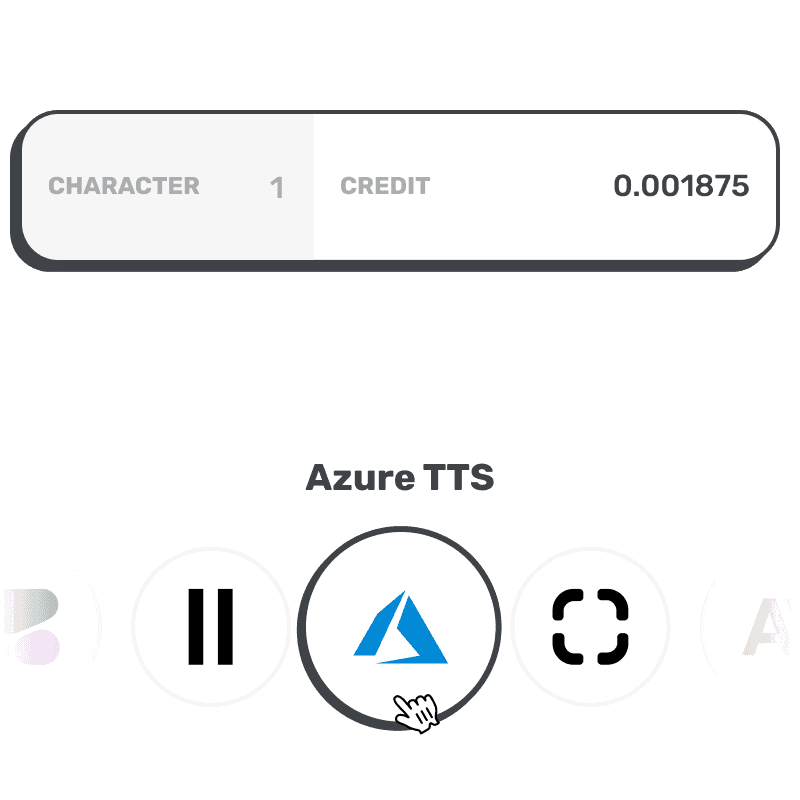
Set prices based on desired profit margins with our intuitive credit ratio converter.
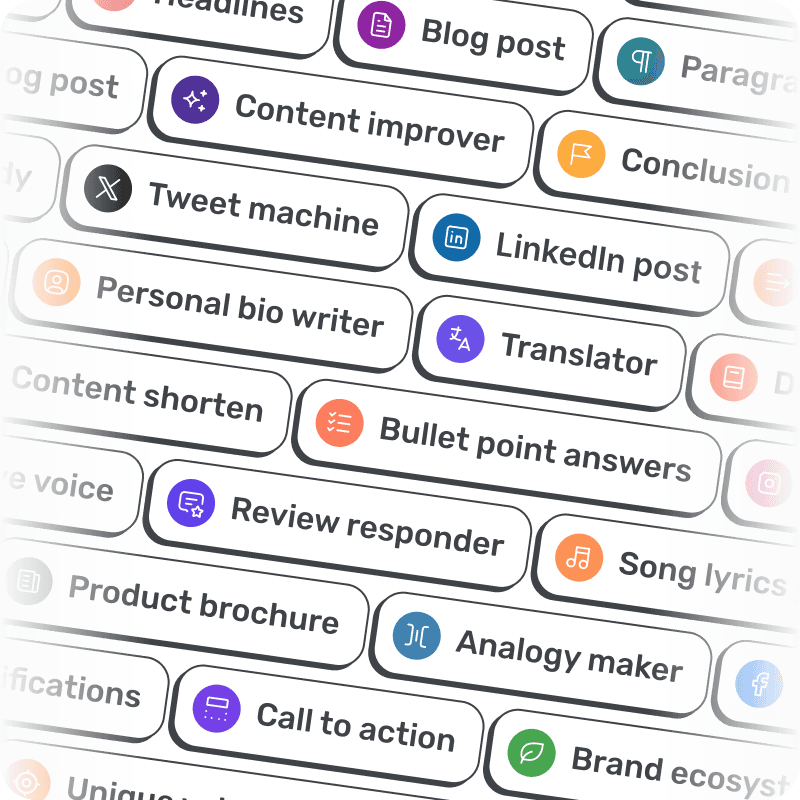
130+ writing templates plus ready-made image and video templates, with preview artwork, pinned settings and optional locking to keep your prompts private.
Enjoy reduced glare and a sleek look with our dark mode.