

Skip to content
🚀 Aikeedo v5.2 is now available!

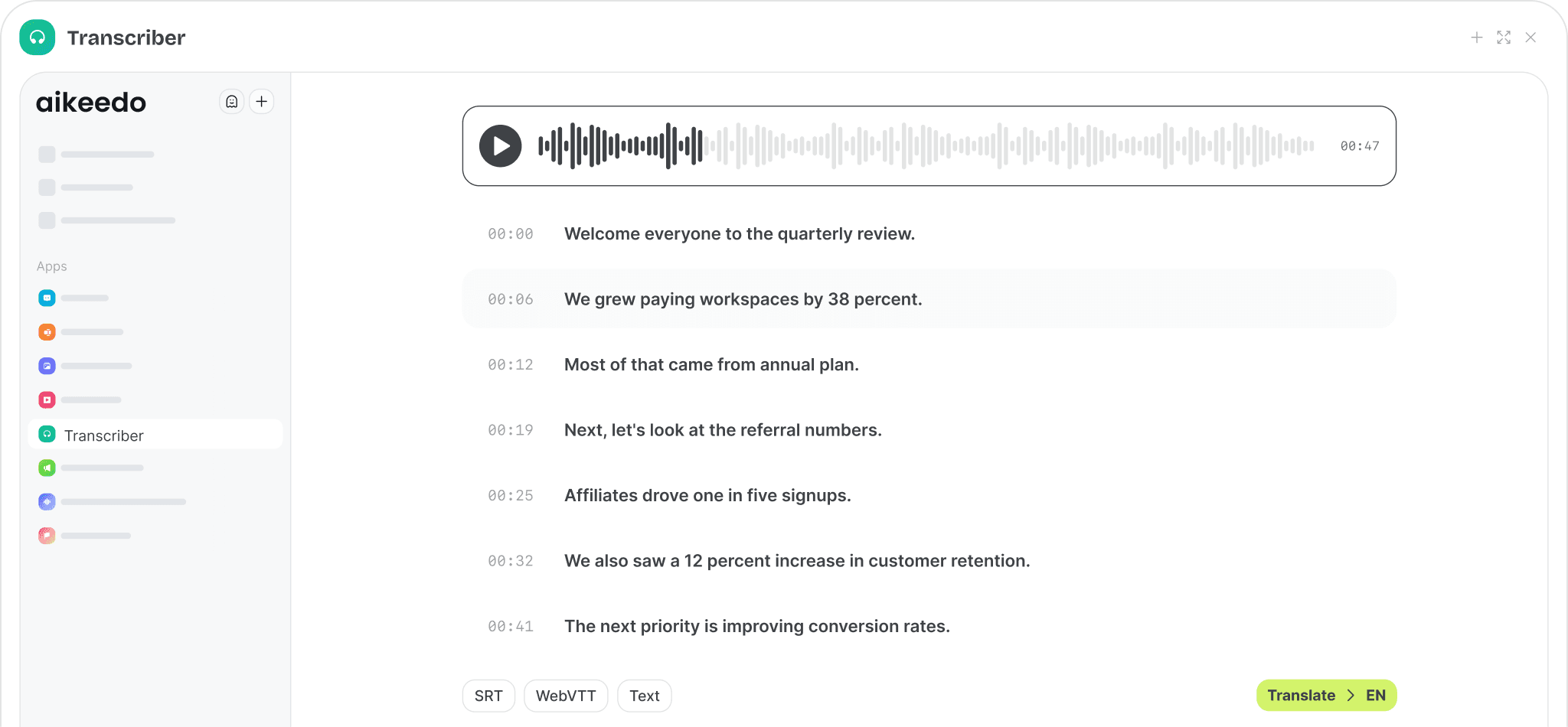
Clean text transcripts

Accurate plain-text transcripts from OpenAI GPT Transcribe.

Many languages

The spoken language is detected automatically.

Copy or download

Copy the transcript or download it as a text file, along with the original recording.

Audio and video

MP3, WAV, M4A, OGG, FLAC, MP4, MPEG and WebM files.

Works in chat

Drop audio into a conversation and ask for a summary.

Dictation

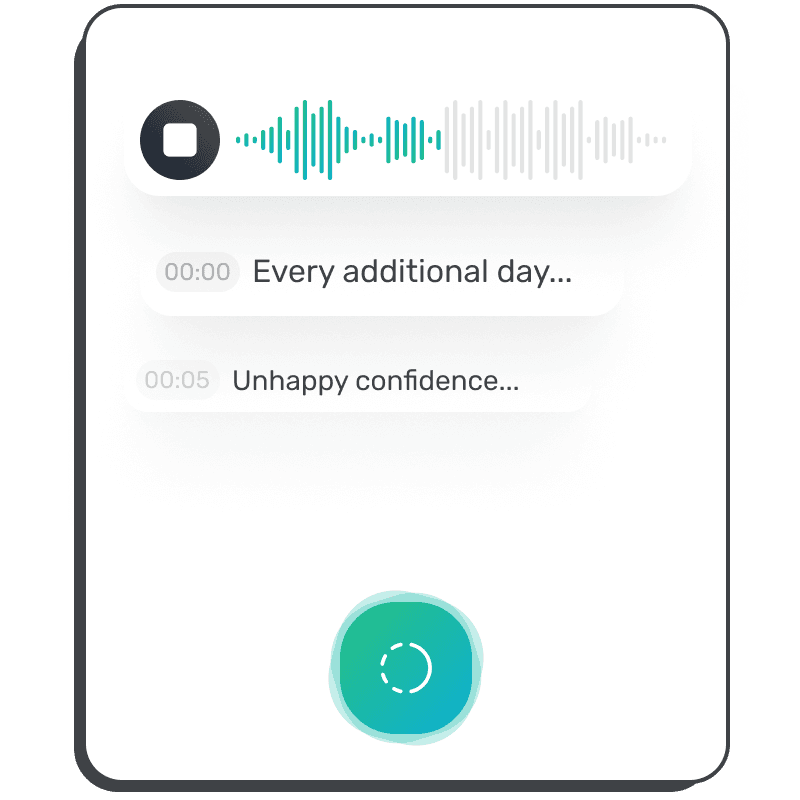
The same engine lets users speak their chat messages.
Use cases

Meetings, lectures, podcasts and interviews

Transcription is a small feature that brings in many kinds of users.
  • Meeting notes and interview transcripts
  • Course and lecture notes
  • Show notes and captions drafted from video and podcast audio
  • Searchable archives in the user’s library
Meetings, lectures, podcasts and interviews
For your business

Why it matters for your AI SaaS

You sell this to your customers under your own brand. Here is how it pays off.

Professional audience

Journalists, researchers and teams pay for reliable transcripts.

Education

Students and educators are a large, recurring market.

Creators

Transcripts pair naturally with your video, voice and writing tools.
Admin controls

You stay in control

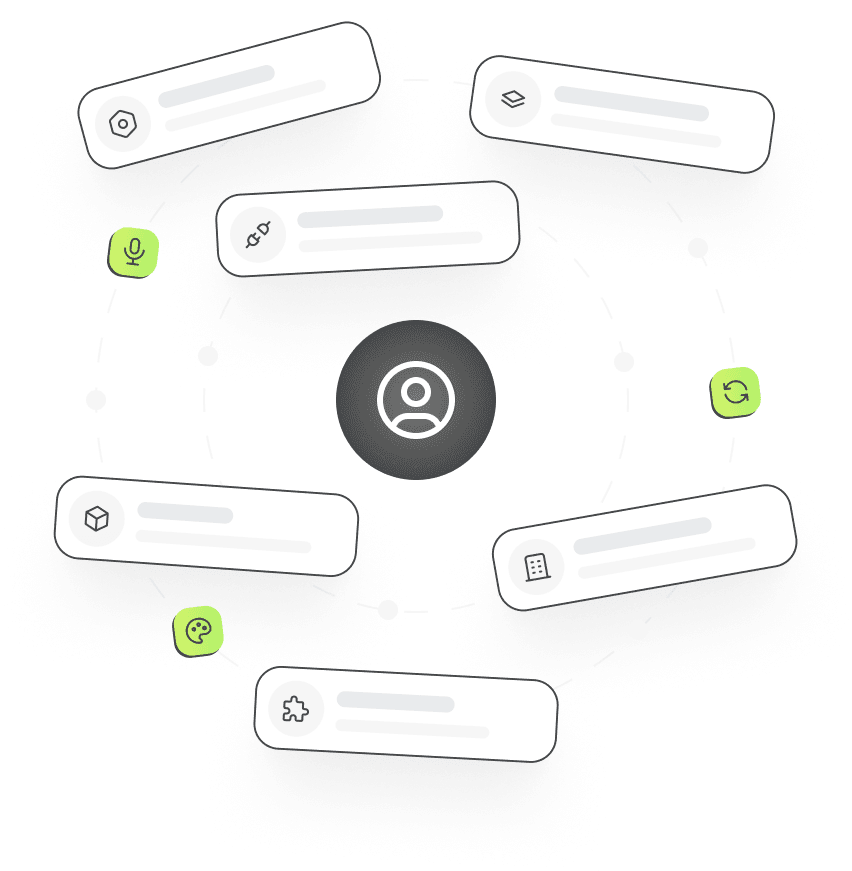
Configure it from the admin panel. No code changes needed.
  • Enable transcription per plan
  • Credit rate for the transcription model
  • Enable dictation in chat
Admin settings cards arranged around a user
Integrations

Works with

Connect your own accounts and API keys.
Works with OpenAI GPT Transcribe

Frequently asked questions

Transcription

1.  Which model is used?

Transcription and chat dictation use OpenAI GPT Transcribe.

2.  What export formats are available?

Plain text, which you can copy or download as a .txt file. Transcripts made before Aikeedo 5.2 with Whisper can still be downloaded as SRT or WebVTT subtitles.

Launch it under your brand

Get the full source code, install it on your server and start selling AI to your customers this week.