

Skip to content
🚀 Aikeedo v5.1 is now available!

Your AI SaaS business, ready by this week!

Try demo
MCP Connectors

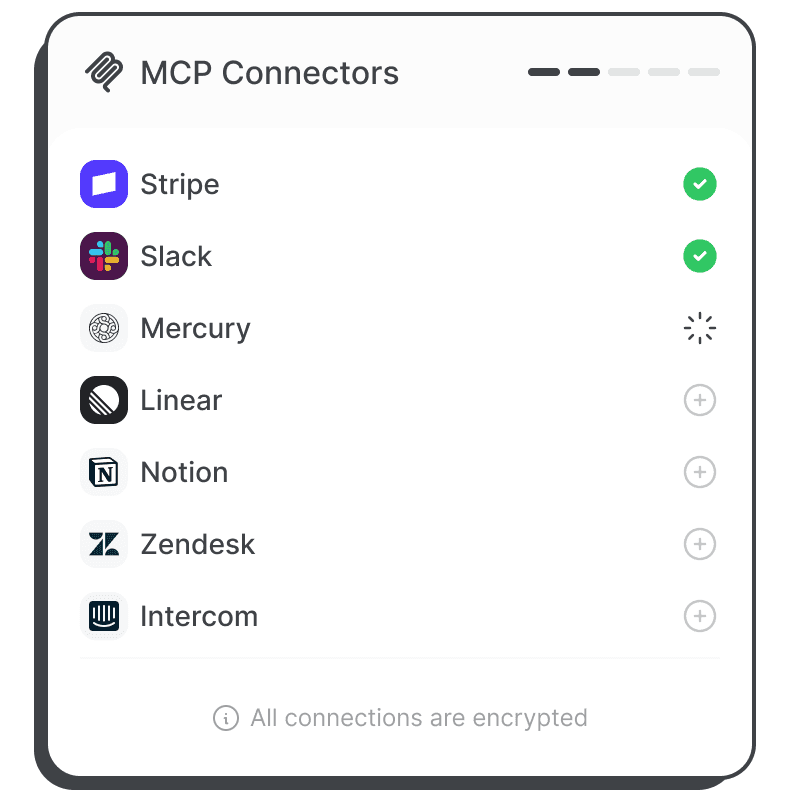
Connect chat to any app

A full MCP client is built in. Users connect their own accounts, and the AI works inside those apps with their permission.

Connector Catalogue is a marketplace add-on
Buy it once, or get it with every other add-on in the Plugin Pass.
View add-on
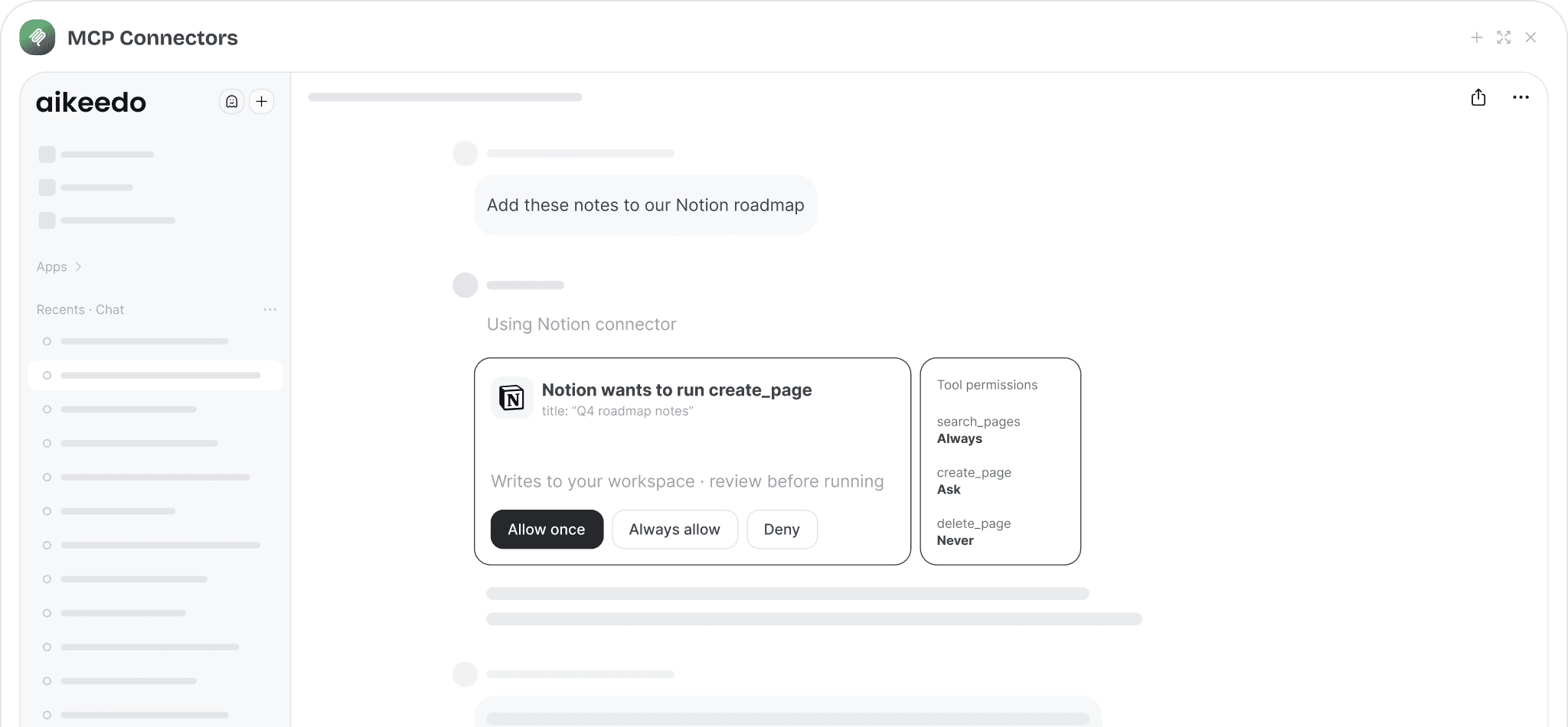
Notion connector asking for approval before creating a page

Any remote MCP server

Add a connector by URL. You can add connectors for everyone, and users can add their own.

OAuth sign-in

Standards-based OAuth with PKCE and dynamic client registration. Each user signs in with their own account.

Per-tool permissions

Set every tool to always allow, ask first, or never. Users fine-tune within your limits.

Approval cards

Before a sensitive action runs, the user sees exactly what will happen and approves it.

Interactive views

Connectors that ship their own interface can render it right inside the chat.

Encrypted credentials

Tokens and secrets are stored encrypted with your installation key.
Connector Catalogue add-on

487 ready-made connectors, imported in a few clicks

Skip setting up servers by hand. The Connector Catalogue plugin lists hundreds of vetted MCP servers across 14 categories. Pick the ones you want and they become ordinary connectors you can edit.
  • Notion, Linear, Slack, GitHub, Stripe, Sentry, Asana, Google Workspace and more
  • Users get a Discover tab grouped by category and a Yours tab
  • Connectors that need an OAuth app are imported switched off until you set them up
  • Imported connectors stay even if you remove the plugin
487 ready-made connectors, imported in a few clicks
For your business

Why it matters for your AI SaaS

You sell this to your customers under your own brand. Here is how it pays off.

Beyond a chat window

Connectors turn your app into an AI that does work across your customers’ stack.

Tiered access

Choose which plans include which connectors, or give a plan all of them with one switch.

Safe by default

Users act only with their own access, and write actions can require approval.
Admin controls

You stay in control

Configure it from the admin panel. No code changes needed.
  • Turn connectors on for the installation and per plan
  • Add admin-managed connectors available to everyone
  • Allow or disallow user-added connectors
  • Default tool permissions: always, ask, never
  • Show or hide connector interfaces in chat
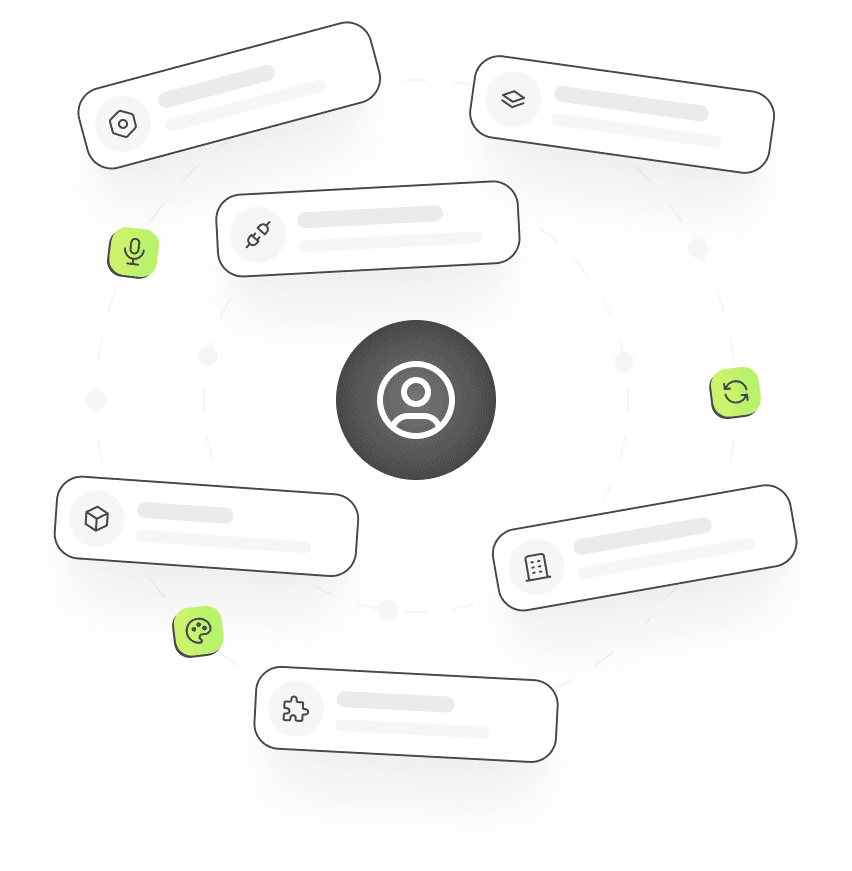
Admin settings cards arranged around a user

Frequently asked questions

MCP Connectors

1.  What is MCP?

The Model Context Protocol is an open standard that lets AI apps use tools from other services. Aikeedo connects to remote MCP servers over HTTP and exposes their tools to the chat model.

2.  Do connectors require the Catalogue add-on?

No. Connectors are part of the core app and you can add any MCP server by URL. The Connector Catalogue add-on just gives you hundreds of ready-made entries to import.

3.  Whose account does the AI use?

Each user signs in with their own account, so the AI acts with that user’s access and never anyone else’s.

Launch it under your brand

Get the full source code, install it on your server and start selling AI to your customers this week.