

Skip to content
🚀 Aikeedo v5.1 is now available!

Your AI SaaS business, ready by this week!

Try demo
AI Chat

Your own ChatGPT, your brand

Every leading model in one chat that reads files, searches the web, remembers context and creates images, video and voice.
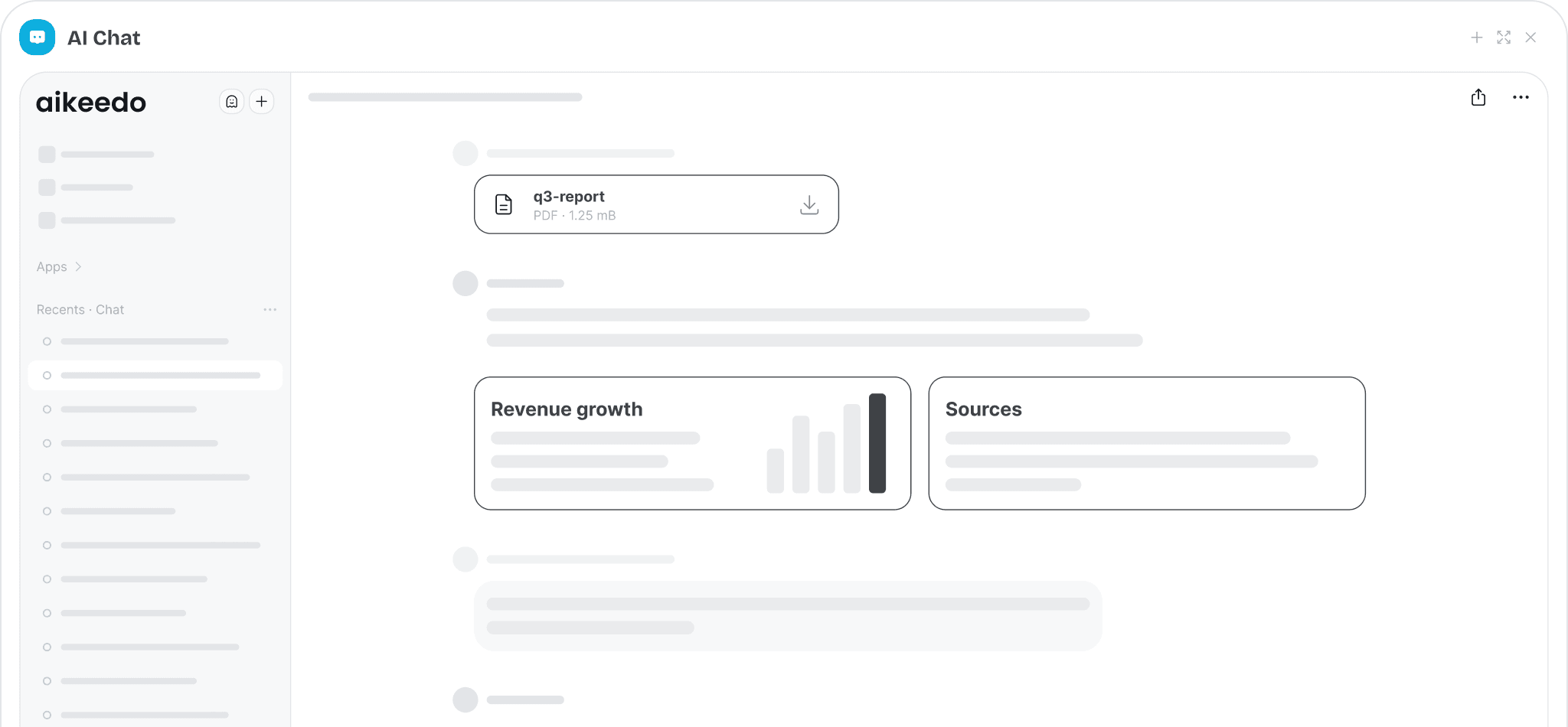

Aikeedo chat with model picker, attached PDF and web search results

Every major model

OpenAI, Anthropic, xAI, Cohere, Gemini, DeepSeek, Ollama and any OpenAI-compatible server. Users switch models mid-chat.

Chat with files

Attach PDF, Word, CSV, JSON, XML, YAML, HTML or text files and ask questions across several at once.

Web search & browsing

Live Google results via Serper or SearchAPI, plus reading any URL the user pastes.

Media from chat

Generate images, videos, voice-overs and transcripts right in the conversation, then refine them with follow-ups.

Clarifying questions

For ambiguous requests the assistant asks quick multiple-choice questions before answering.

Dictation

Users can speak instead of typing, transcribed with Whisper.
Context that sticks

Memory, vision and reasoning built in

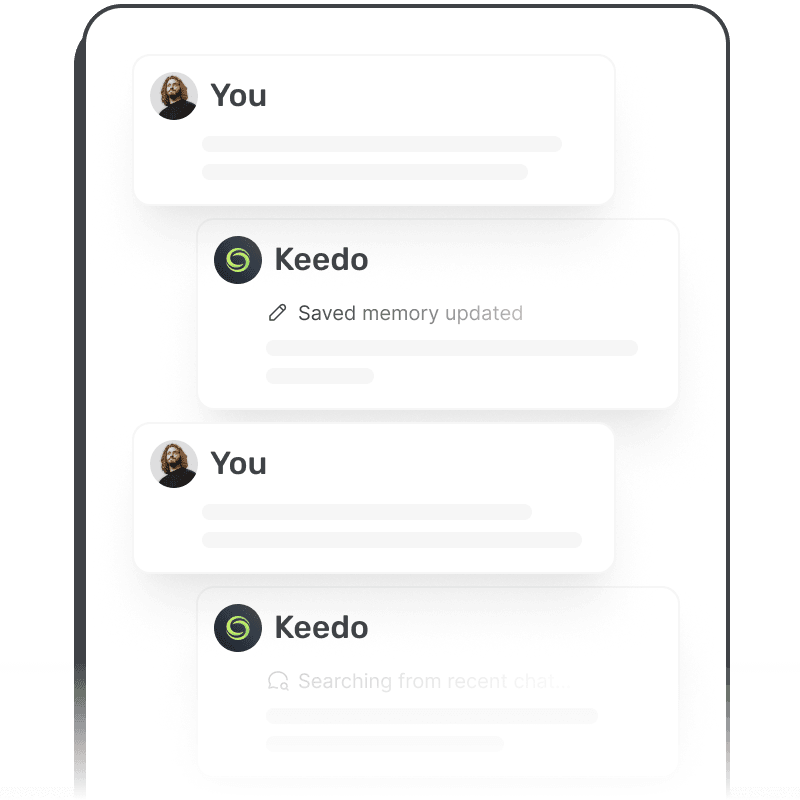
Chat remembers what matters about each user, understands images, and lets people choose how hard the model should think.
  • Long-term memory and custom instructions, plus key facts and recent conversations as context
  • AI vision: upload screenshots, charts or photos and ask about them
  • Per-message reasoning effort for models that support it
  • Edit, reply to, and regenerate any message
  • LaTeX math rendering and syntax-highlighted code
Memory, vision and reasoning built in
Research assistant

Web, links and YouTube as sources

Answers come from fresh information, not just training data. Users paste a link or a video and the chat reads it for them.
  • Google search with Serper or SearchAPI
  • Read and summarize any web page
  • YouTube video metadata and transcripts
  • Knowledge-base search when chatting with a custom assistant
Web, links and YouTube as sources
Power users

Private mode, shortcuts and chat import

The details that make people choose your app over the rest.
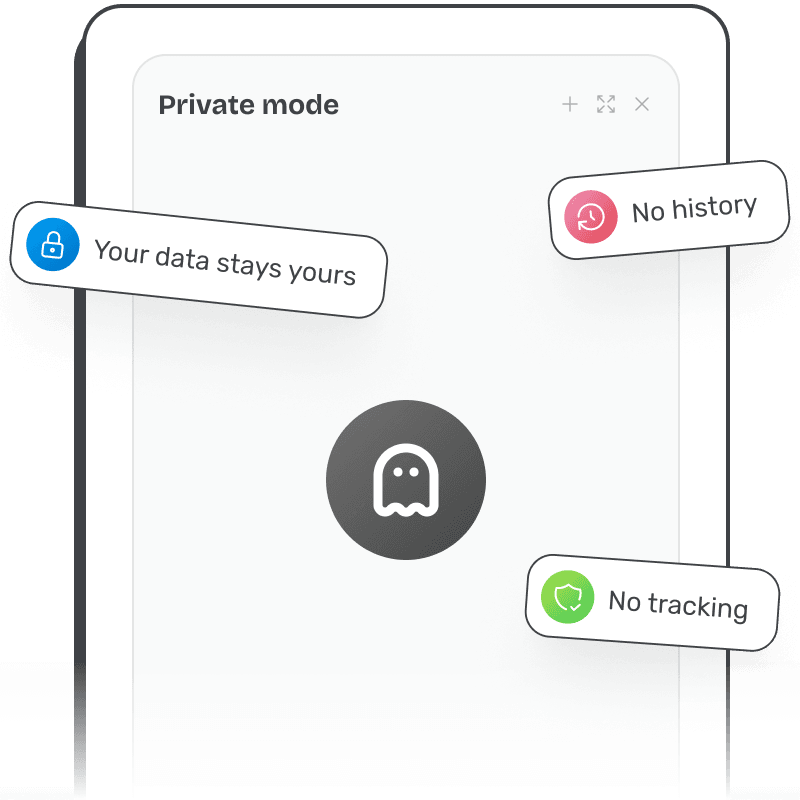
  • App-wide Private Mode: nothing is kept after the retention period you set
  • Keyboard shortcuts with a built-in cheat sheet (Ctrl/⌘ + /)
  • A Library of every chat, Canvas document, image, video, voice-over and transcript, with recent items in the sidebar
  • Pin favorite models for quick access
  • Import history from ChatGPT, Claude and Grok with the Migration add-on
Private mode, shortcuts and chat import
For your business

Why it matters for your AI SaaS

You sell this to your customers under your own brand. Here is how it pays off.

Charge per model

Every model spends credits at a rate you set, so expensive models earn more and cheap ones cost less.

Gate features by plan

Put web search, memory, Canvas, connectors or premium models in higher tiers to drive upgrades.

Keep users coming back

Memory, assistants and history make your app the place where your customers’ work lives.
Admin controls

You stay in control

Configure it from the admin panel. No code changes needed.
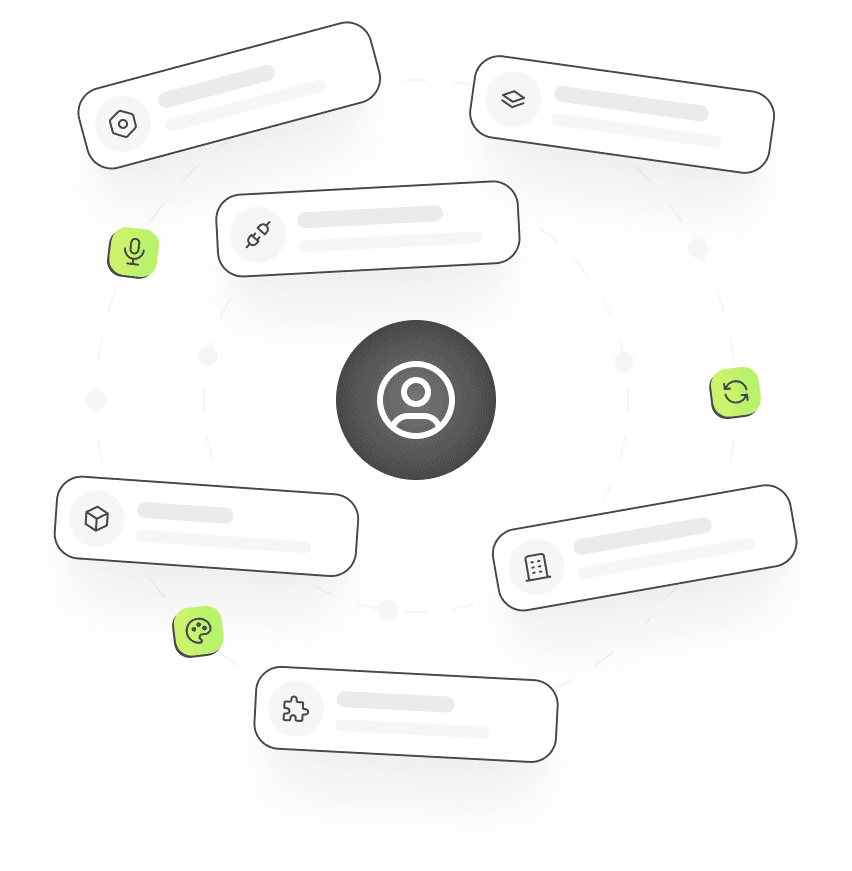
  • Turn each chat capability on or off: files, web search, browsing, YouTube, memory, Canvas, media generation, connectors, dictation
  • Choose which models each plan can use
  • Name the default chat bot
  • Set Private Mode retention and enable it per plan
  • Pick the search provider (Serper or SearchAPI)
Admin settings cards arranged around a user
Integrations

Works with

Connect your own accounts and API keys.
Works with OpenAI, Anthropic, xAI, Google Gemini, Cohere, DeepSeek, OpenRouter, Groq, Ollama

Frequently asked questions

AI Chat

1.  Which AI models can my users chat with?

Any model you enable: OpenAI, Anthropic, xAI and Cohere natively, plus Google Gemini, DeepSeek, Mistral, Groq, OpenRouter, Ollama and any other OpenAI-compatible API as a custom server. See AI models.

2.  Do I need my own API keys?

Yes. You connect your own provider accounts, pay providers directly, and set what your users pay in credits. Workspaces can also bring their own OpenAI or Anthropic key if you allow it.

3.  Can users chat with PDFs and documents?

Yes. File analysis supports PDF, Word, CSV, JSON, XML, YAML, HTML and plain text, and users can attach several files to one conversation.

4.  Is there a private or incognito mode?

Yes. Private Mode is app-wide: while it is on, everything a user creates is temporary and removed after the retention period you configure. You can include it only in selected plans.

Launch it under your brand

Get the full source code, install it on your server and start selling AI to your customers this week.