

Skip to content
🚀 Aikeedo v5.1 is now available!

Your AI SaaS business, ready by this week!

Try demo
Canvas

Edit documents beside the chat

Canvas opens long answers as a living document next to the chat. Users and the AI edit it together, with every version saved.
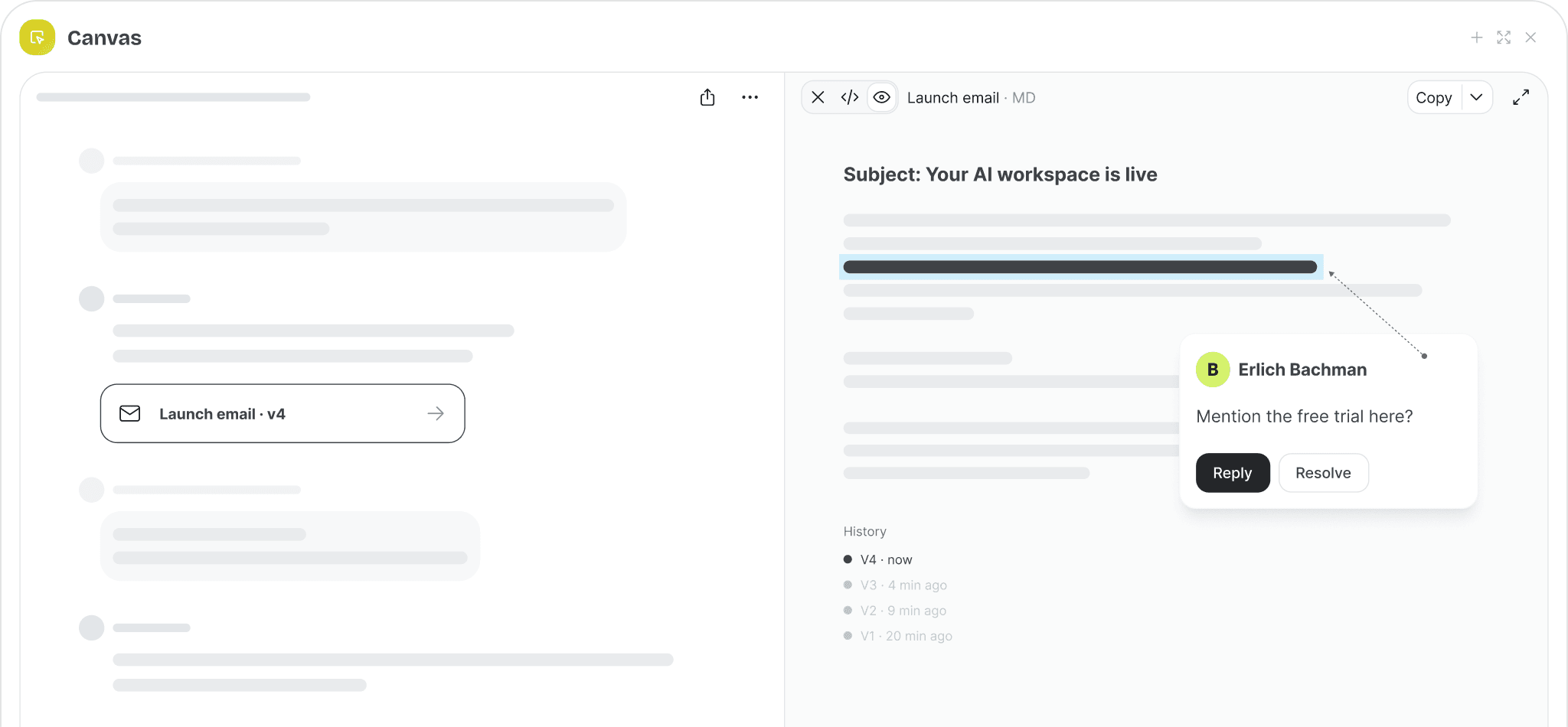
Chat on the left, an editable email document with comments and version history on the right

Side panel documents

Drafts open next to the conversation instead of getting lost in the scroll.

Version history

Every revision is kept, and users can restore any earlier version.

Inline comments

Comment on a passage and ask the AI to rework just that part.

Code, HTML & SVG

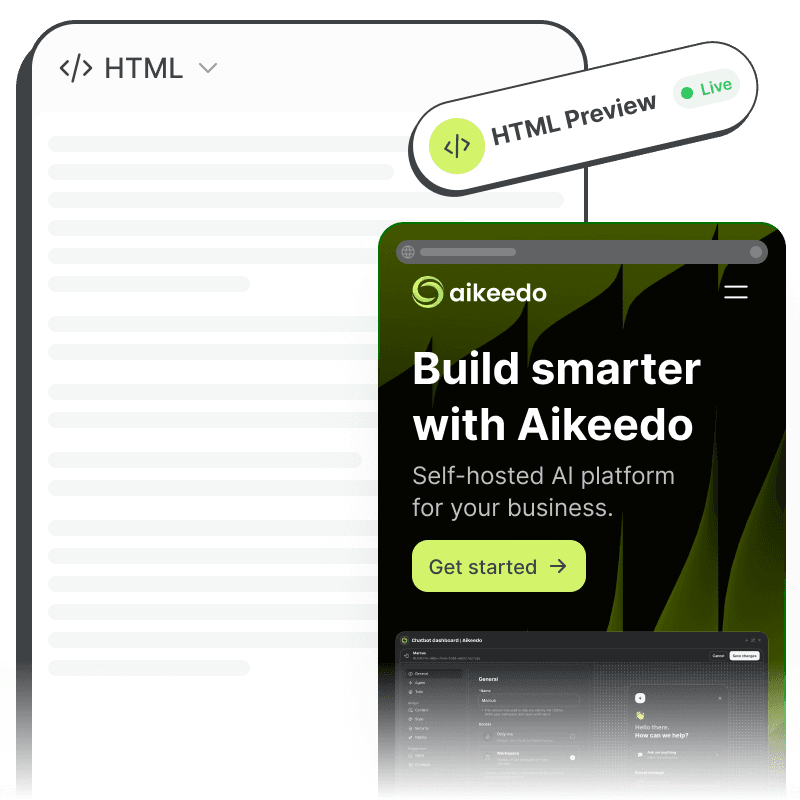
Markdown, code, HTML and SVG formats, with live preview for HTML and SVG.

Made for real work

Document kinds for emails, messages, posts, letters and long documents.

Copy & download

Take the final result anywhere: copy it or download it as a file.
How it works

The AI decides when a canvas helps

Ask for a blog post, a cover letter or a landing page and the assistant writes it straight into Canvas. Follow-up messages update the document in place rather than reprinting it.
  • The model creates, reads and updates canvas documents as tools
  • Canvases are saved to the user’s library alongside chats and media
The AI decides when a canvas helps
For your business

Why it matters for your AI SaaS

You sell this to your customers under your own brand. Here is how it pays off.

A premium feel

Canvas is what users expect from top-tier AI apps. Your platform has it on day one.

Longer sessions

Iterating on a document keeps users in your app longer, spending more credits.

Plan-level upsell

Turn Canvas on for the plans where you want it.
Admin controls

You stay in control

Configure it from the admin panel. No code changes needed.
  • Enable or disable Canvas for the installation
  • Include Canvas only in the plans you choose
  • Runs on the chat models and credit rates you already configured
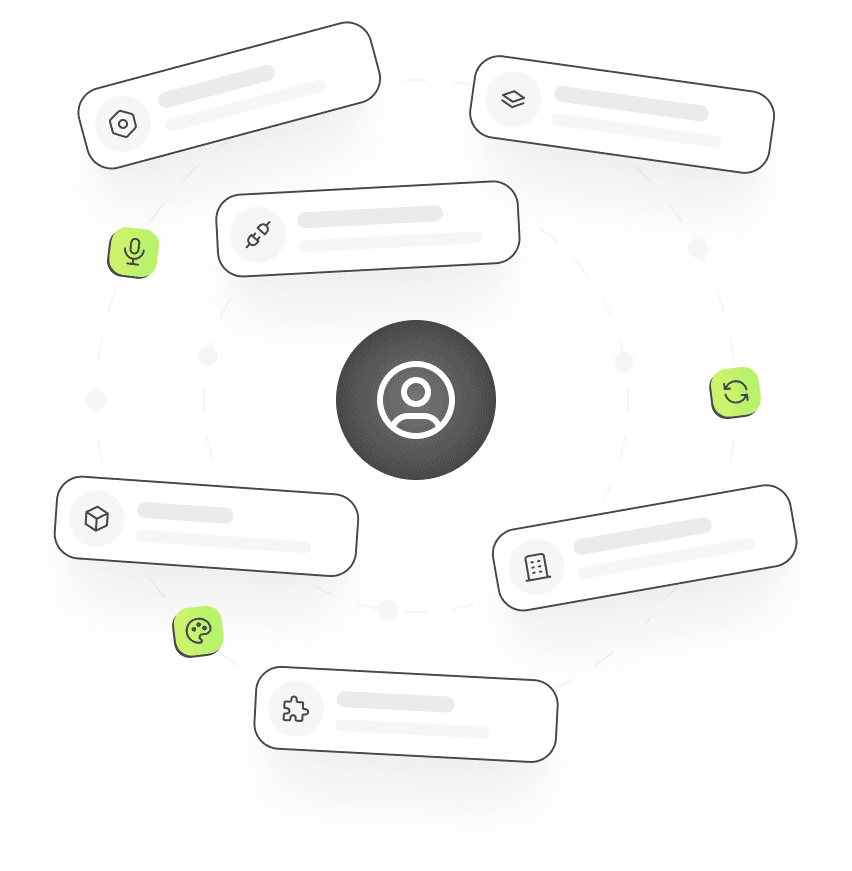
Admin settings cards arranged around a user

Frequently asked questions

Canvas

1.  Which models work with Canvas?

Canvas works with chat models that support tool calling, which covers the current models from OpenAI, Anthropic, xAI and most OpenAI-compatible providers.

2.  Can users restore an older version?

Yes. Each edit creates a new version, and users can open and restore any earlier one.

Launch it under your brand

Get the full source code, install it on your server and start selling AI to your customers this week.