

Skip to content
🚀 Aikeedo v5.2 is now available!

In-App & Browser Push Notifications for AI Apps

Know when the work is done

An in-app bell and built-in browser alerts tell users when a reply, a generation or a scheduled task finishes, fails or needs them.

Notification bell open with finished chat, image and scheduled-task items
In-app bell

Every update in one place, with unread markers and a keyboard shortcut.

Browser push, built in

Alerts reach users while the app is in the background. No push service or keys to set up.

Finished work

Chat replies, images, videos, voice-overs and transcripts all report when they are ready.

Failures and questions

Users hear about a failed generation, or a chat waiting for their answer or approval.

Scheduled task results

Each finished or failed scheduled task run links straight to its chat.

User choice

Users choose which kinds of notifications they receive.
Browser alerts

Push notifications without a third-party service

Browser alerts are part of the core app. Aikeedo creates its own push keys on first use, so there is no OneSignal account or extra setup.
  • Works in Chrome, Edge, Firefox and Safari through their standard push services
  • Each user can turn on alerts in up to 10 browsers
  • Clicking an alert opens the finished item
  • Replies keep generating after the user leaves the page
Browser push alert for a finished video
For your business

Why it matters for your AI SaaS

You sell this to your customers under your own brand. Here is how it pays off.

Users come back

A video that takes minutes no longer ends with a user who gave up waiting.

Long work feels fast

Users start a generation, get on with their day and return when it is ready.

Nothing to maintain

No push vendor, no extra bill and no keys to rotate.
Admin controls

You stay in control

Configure it from the admin panel. No code changes needed.
  • Turn browser alerts on or off for the whole site
  • Keep read notifications for 30 days and all notifications for 90 days, or set your own retention
  • No notifications are created in private mode
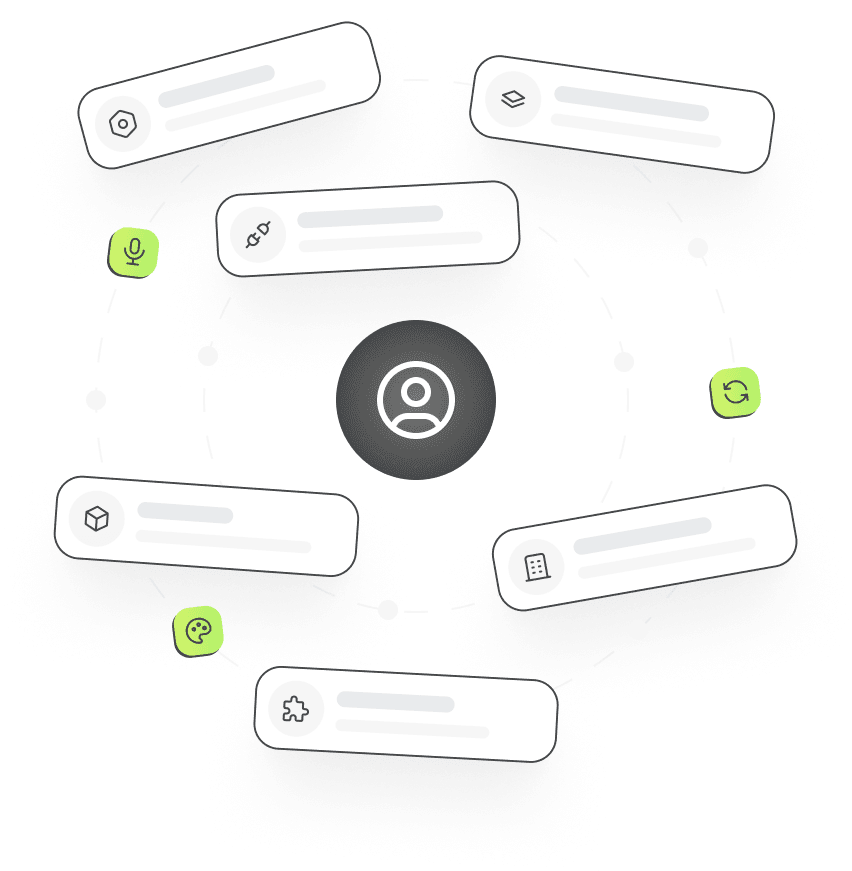
Admin settings cards arranged around a user

Frequently asked questions

Notifications

1.  Do I need OneSignal or another push service?

No. Browser push is built in and uses the browsers’ own push services. Aikeedo generates its push keys automatically.

2.  Does browser push need HTTPS?

Yes. Browsers only allow push notifications on sites served over HTTPS.

3.  Can users turn notifications off?

Yes. Users choose which kinds they receive, such as completions, scheduled tasks or requests for input, and can allow or block browser alerts. Admins can also switch browser alerts off for everyone.

Launch it under your brand

Get the full source code, install it on your server and start selling AI to your customers this week.