

Skip to content
🚀 Aikeedo v5.2 is now available!

Scheduled AI Tasks for Your AI Chat Platform

Let the AI work on a schedule

Users save a prompt once and the AI runs it daily, weekly or whenever they choose. Each result is waiting in a new chat.

Scheduled tasks list with next-run times and the New task menu
Once to yearly

Run once, daily, on weekdays, weekly on chosen days, monthly or yearly, with optional start and end dates.

Create from chat

Users can ask for a task in conversation, and the assistant sets it up and links to it.

Ready-made templates

Start from a morning briefing, a weekly summary or a meal plan instead of a blank form.

Every run is a chat

Each run opens a new conversation, listed under the task’s history, so users can follow up on the result.

Notified when done

Users get a notification when a run finishes or fails, in the app and in the browser.

Auto or ask

Let a run finish on its own, or let it pause for the user’s answer or approval before it continues.
Templates

Ten starter tasks, ready to use

Scheduled task templates work like your Writer, image and video templates. Import the starter set, edit it, or write your own for your niche.
  • Morning briefing, weekly work summary, weekly planning and daily industry news
  • Workout reminder, weekly meal plan, budget check, language practice, evening reflection and weekend plans
  • Searchable template gallery with category filters
  • Templates are managed in the admin panel like your other templates
Template gallery with categories
Create from chat

Just ask for it

Users can say “send me a summary of AI news every morning” and the assistant creates the task, shows a card in the conversation and links to it.
  • Uses the chat’s model and the user’s timezone
  • Users can also pick a model, permission and schedule in the form
  • Run now to try a task before its first scheduled run
  • Pause, edit or delete a task at any time
Chat creating a scheduled task with a confirmation card
For your business

Why it matters for your AI SaaS

You sell this to your customers under your own brand. Here is how it pays off.

A daily habit

A briefing that arrives every morning brings users back without a single marketing email.

Usage on autopilot

Every run spends credits like a chat reply, so scheduled work earns while your users sleep.

A reason to upgrade

Cap the number of tasks per plan, or keep scheduled tasks for your higher tiers.
Admin controls

You stay in control

Configure it from the admin panel. No code changes needed.
  • Switch scheduled tasks on under Settings → Chat
  • Cap tasks per plan: blank for unlimited, 0 to turn them off
  • Create and edit scheduled task templates
  • Workspace owners can see and delete their members’ tasks
  • Runs are started by cron, which Aikeedo already needs
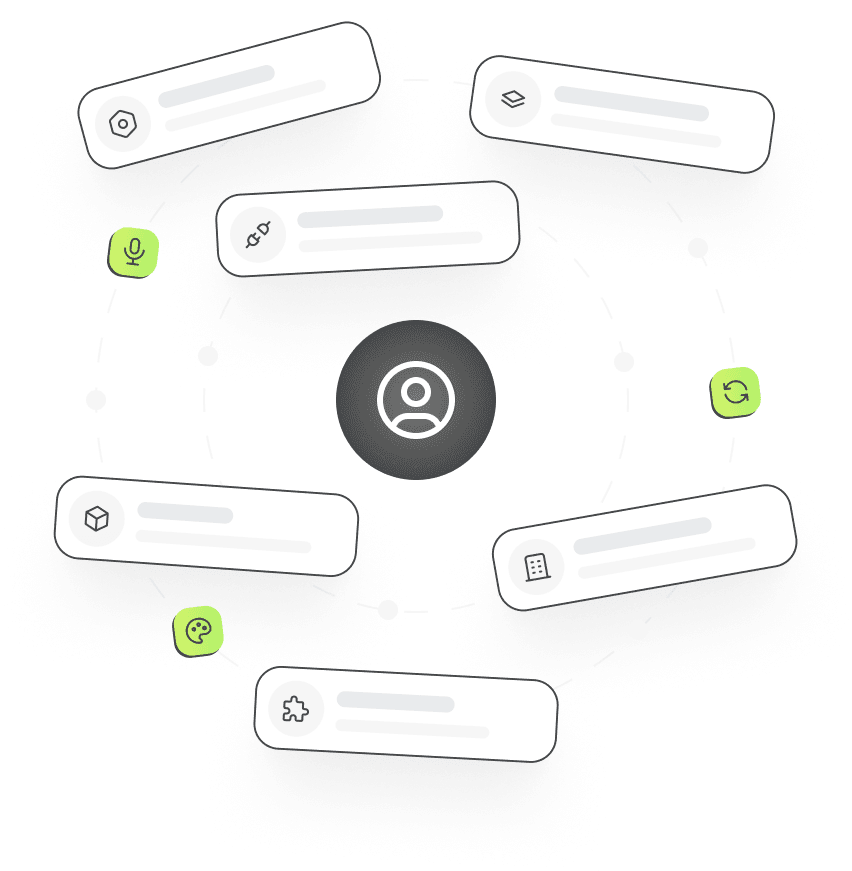
Admin settings cards arranged around a user

Frequently asked questions

Scheduled Tasks

1.  Do tasks run when the user is not signed in?

Yes. Tasks are started by the cron job on your server, so they run whether or not anyone has the app open. The result is waiting as a new chat, and the user gets a notification.

2.  What does a run cost?

A run is billed like a chat reply, at the credit rate you set for the model it uses. A run that cannot start because the plan, model or credits no longer allow it is reported as failed.

3.  Can I limit scheduled tasks by plan?

Yes. Each plan has a scheduled tasks cap. Leave it blank for unlimited, set a number, or set 0 to turn the feature off for that plan.

4.  Which timezone do tasks use?

The timezone of the browser the task was saved in, so “every day at 8:00” means 8:00 where the user is.

Launch it under your brand

Get the full source code, install it on your server and start selling AI to your customers this week.